SVGs.app: an AI illustration generator that stays on-brand
The problem
Ask an AI image generator for an illustration and you get a raster image - pixels, artifacts, and a fixed resolution that looks rough the moment you scale it up on a website or a slide deck. Vectorizing it after the fact gets you an SVG, but usually a messy one, and every generation looks like it came from a different designer. There was no quick way to get a clean, on-brand vector illustration from a text prompt.
What I built
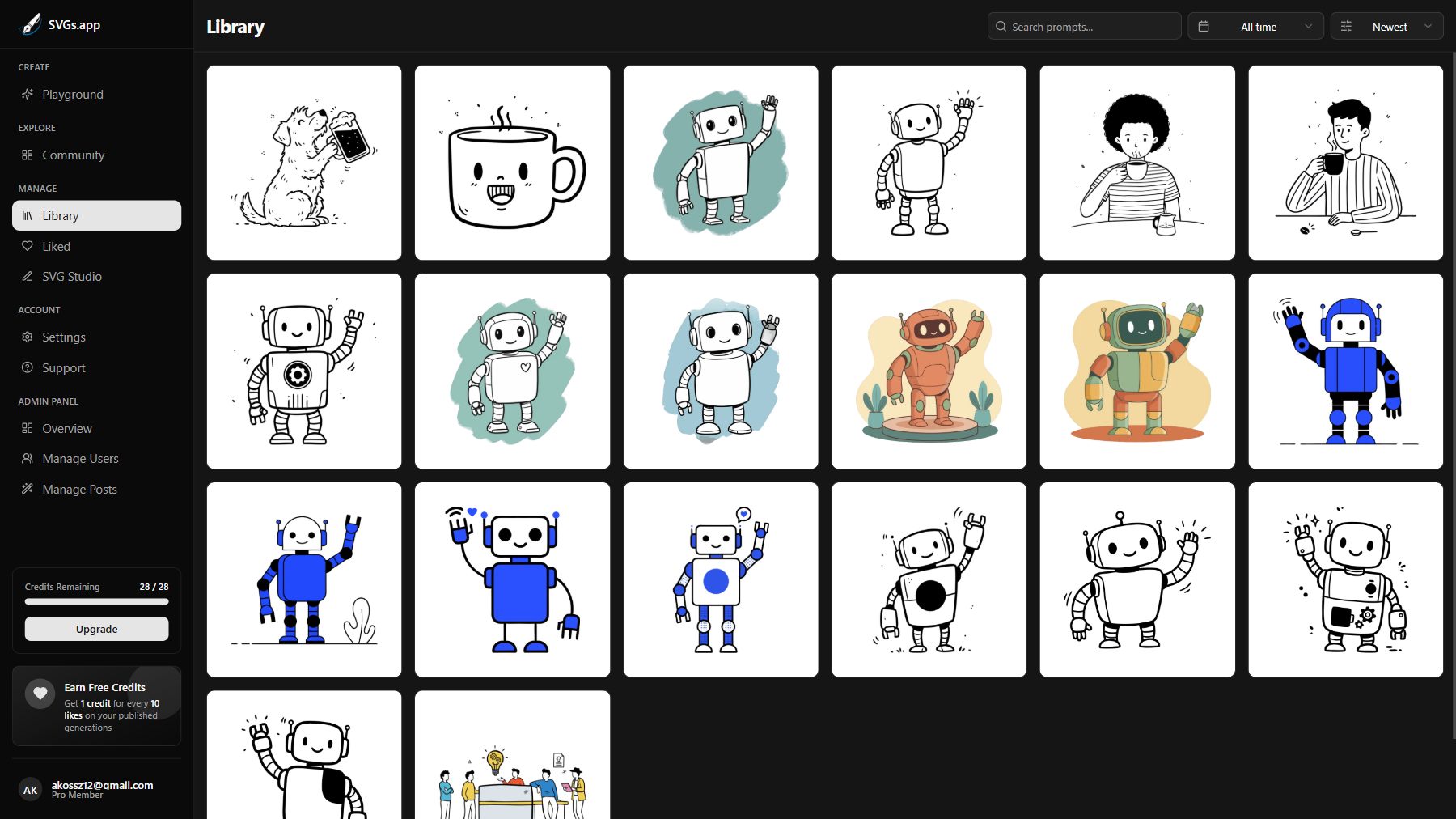
SVGs.app turns a prompt into a finished SVG in a few seconds, in one of six built-in illustration styles - Notion-style hand-drawn, Minimal Outline Accent, Color Splash, Organic Geometric Contrast, Low Poly, and Scribble. Under the hood, generation runs through Google’s Gemini for tagging and Replicate’s image models, then through a vectorization pipeline (Recraft’s vectorize API and Potrace) to turn the result into clean, editable paths.
On top of generation:
- Style guides - each built-in style is backed by a detailed spec (40+ lines covering stroke widths, corner radii, color counts, composition rules), and users can save their own custom styles so every illustration they generate matches the last one
- Figma plugin - drops generated illustrations straight into a Figma file, no export/import round trip
- Community library - users can publish illustrations they generate, and earn credits when others use them
Why these choices
Generation and vectorization are slow, polling-based operations, so the whole pipeline runs through a BullMQ worker queue rather than blocking a request - the UI gets a “your illustration is ready” update via Pusher when it’s done. The app itself is Next.js, MongoDB for accounts and generation history, and Stripe for handling payments for the credit system.
The hard part
The obvious approach - “take a prompt and a style name, generate an image” - produced illustrations that drifted noticeably between generations, even with the “same” style. The fix wasn’t a better model; it was writing much more explicit style guides. Once a style definition pinned down stroke width, palette size, corner radius, and composition rules in detail, consistency jumped - more than any model swap did. That’s now the core of how custom styles work: you’re not picking a vibe, you’re saving a spec.
What’s next
More built-in styles, expanding community style-sharing so teams can build on each other’s specs.